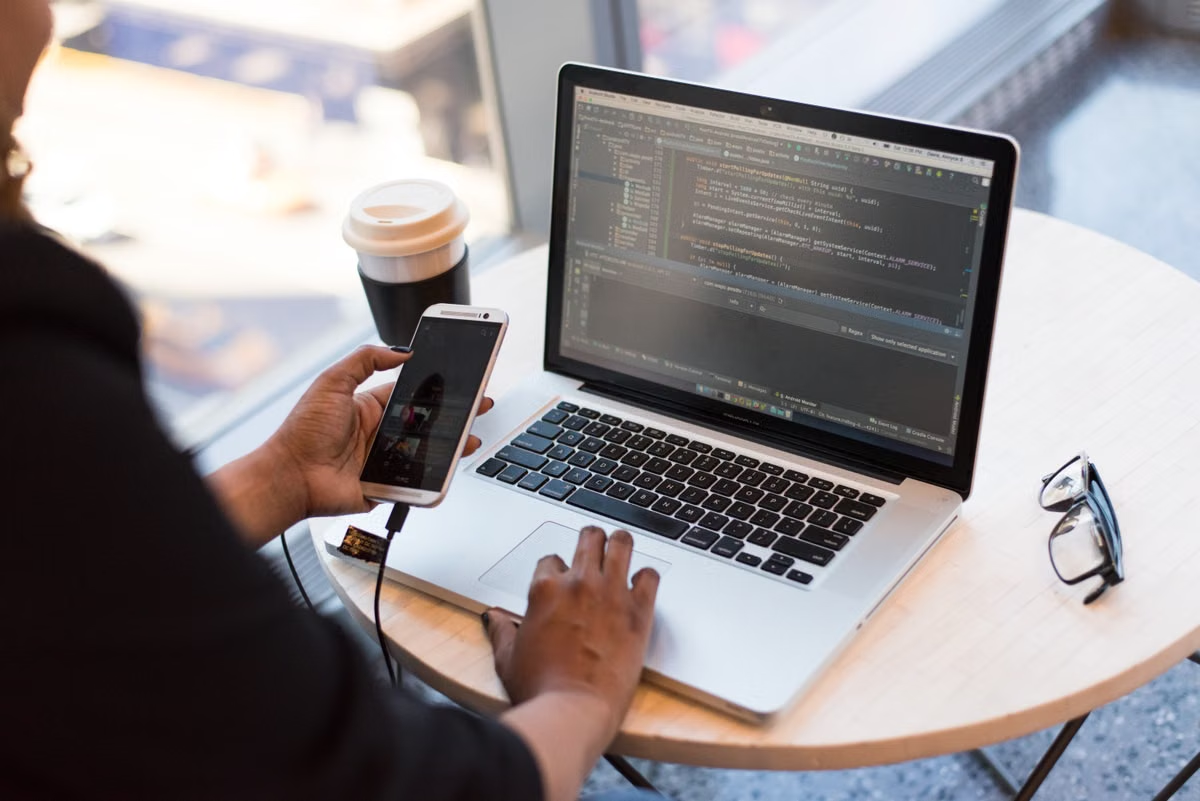
The 2026 Development Landscape: M5, M5 Pro, and M5 Max
As we enter mid-2026, the Apple Silicon M5 family has redefined the expectations for professional workstations. The core shift this year isn't just raw clock speed; it is the massive leap in the Neural Engine (NPU) performance. With AI-assisted coding tools like Cursor, GitHub Copilot, and local LLMs (Large Language Models) becoming integral to the developer workflow, the weight of the CPU and GPU has shifted toward specialized AI silicon.
The M5 chip provides excellent single-core performance for web dev, but the M5 Pro and Max versions have become the gold standard for mobile and desktop development due to their increased memory bandwidth—crucial for moving large datasets and compiled binaries through the system.
Developer Core Anxiety: Is 16GB Unified Memory Still Enough?
In 2026, the "16GB vs 32GB" debate has finally reached a consensus. While Apple still offers 16GB as a base, the reality of modern software stacks tells a different story.
- AI Overhead: Local AI agents (running models like Mistral or Llama 3 via Ollama) typically reserve 4GB to 8GB of VRAM (Unified Memory) just to stay resident.
- Containerization: Running a microservices architecture with 5+ Docker containers, a database, and Redis will consume 8GB-12GB easily.
- The Swap Penalty: Once you exceed 16GB, macOS starts swapping to the SSD. While M5 SSDs are fast, the latency spike causes "micro-stuttering" in IDEs like VS Code and IntelliJ, reducing developer "flow."
2026 Performance Benchmarks
| Task | 16GB RAM (M5) | 32GB RAM (M5 Pro) | 64GB RAM (M5 Max) |
|---|---|---|---|
| Xcode Clean Build (Large Project) | 145s | 88s | 72s |
| Local LLM Inference (Token/s) | 12 t/s | 28 t/s | 55 t/s |
| Docker Startup (10 Containers) | 42s | 15s | 12s |
| Browser Tabs + IDE + Slack | Pressure: Yellow | Pressure: Green | Pressure: Green |
Desktop vs. Mobile: Mac Mini M5 vs. MacBook Pro M5
Choosing the form factor in 2026 is a trade-off between thermal headroom and the cost of portability.
The Hardware Decision Matrix
| Feature | Mac Mini M5 | MacBook Pro M5 / Pro | Recommendation |
|---|---|---|---|
| Thermal Ceiling | High (Active Cooling) | Moderate (Throttles under load) | Mac Mini for long compiles |
| I/O Ports | 4-6 Thunderbolt 5 | 3 Thunderbolt 5 + SD Card | MacBook Pro for media devs |
| Display Support | Up to 8K / 3 Displays | Built-in HDR + 2 Ext. | Mac Mini for multi-monitor |
| Price (32G/1TB) | ~$1,499 | ~$2,699 | Mac Mini for pure ROI |
The ROI of High-End Hardware: Buying vs. Renting
The "Apple Tax" is most visible in the memory and storage tiers. Upgrading from 16GB to 32GB and 512GB to 1TB adds significant upfront cost—often $400 to $600 USD. For a startup or an individual developer, this is a massive capital expenditure (CapEx) for a device that depreciates the moment it leaves the box.
Hard Data for Your Budget
- Depreciation: A $2,500 MacBook Pro loses 30-40% of its value in 18 months.
- The M5 Pro Surcharge: Choosing M5 Pro over the base M5 adds roughly $500 for extra cores you might only need 20% of the time.
- AppleCare cost: An additional $249-$399 for 3 years of coverage against hardware failure.
Conclusion: Bridging the Gap with Remote Mac Infrastructure
For many developers in 2026, the choice isn't just about which laptop to buy, but how to access the power they need without the financial burden of high-tier Apple Silicon. While Windows or Linux PC builds offer raw power, they lack the macOS environment required for iOS builds and specialized developer tooling. However, sinking $3,000 into a 64GB M5 Max MacBook is often overkill for 90% of daily coding tasks.
Traditional physical ownership forces you into a "fixed-spec" trap: you pay for peak performance every day, even when you are just writing Markdown or browsing Docs. Furthermore, local hardware is susceptible to theft, liquid damage, and the inevitable "obsolescence cycle" that Apple accelerates every year.
If the $400 to $800 premium for a 32GB or 64GB M5 configuration feels excessive, there is a smarter way to manage your stack. Renting a high-performance Remote Mac allows you to scale your hardware to fit the project. You can develop on your current thin-and-light device while offloading heavy compilations, CI/CD pipelines, and AI training to a dedicated, high-spec Mac in the cloud. Why buy the peak when you can rent the performance exactly when you need it?
Frequently Asked Questions
Is 16GB RAM still viable for professional backend development in 2026?
For light web development, yes; however, for workflows involving multiple Docker containers, IntelliJ, and local AI coding assistants, 16GB hits swap limits quickly. 32GB is the recommended baseline for 2026.
Does the M5 chip offer significant benefits for AI-driven coding?
Yes, the M5 series features a redesigned Neural Engine specifically optimized for local LLM inference, making tools like GitHub Copilot and local Ollama models significantly snappier than on M3/M4 chips.
Should I choose a Mac Mini M5 Pro or a MacBook Pro M5?
If you have a fixed workspace, the Mac Mini M5 Pro offers better thermal sustained performance at a lower price. Choose the MacBook Pro only if you require portability and the high-fidelity Liquid Retina XDR display.
