Key takeaway
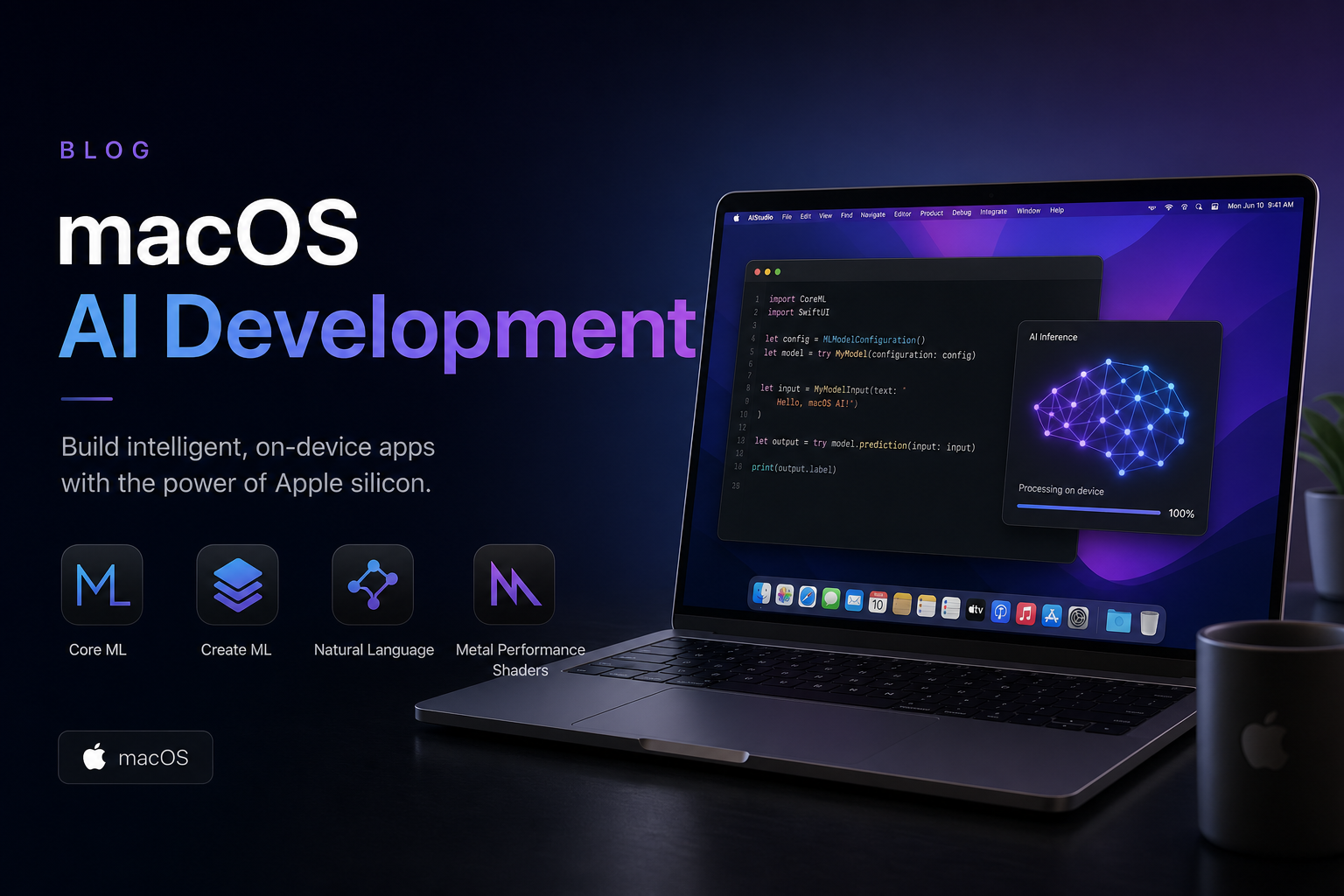
macOS 27 (internal codename Tahoe 2), unveiled at WWDC26, moves AI from "install Ollama and go" to "let the OS schedule your compute"—the Core AI framework, Foundation Models system service, and new AI Memory Scheduler land together, reshaping the optimal path for local inference, IDE Agents, and in-app models.
Below we break it down across system APIs, inference stacks, hardware floor, and team migration; see the role-based action table at the end.
Most people misunderstand what "new macOS" means
Common misconception: Upgrading is mostly a UI reskin plus a smarter Siri—no real difference for coding or running models.
What actually changed: macOS 27 adds an AI compute orchestration layer between the kernel and user space—when apps, terminal Agents, Xcode 27, and system services compete for the same unified memory, the OS schedules by priority instead of whoever grabs resources first.
The impact on AI development is structural: ~~"just install Ollama and you're done"~~ (the era of Xcode + 14B on 16GB is over)—you need to understand what the system gives you, what it doesn't, and then pick your stack.
1. macOS 27 vs 26.x: AI-related differences at a glance
At WWDC26, Apple shipped macOS 27 alongside iOS 27 and visionOS 3 on the same "Apple Intelligence 2.0" foundation. For AI developers, the system-level changes worth tracking:
| Capability | macOS 26.x | macOS 27 | What it means for developers |
|---|---|---|---|
| Official local LLM API | Foundation Models (in-app, limited) | Core AI + expanded Foundation Models | Call full local models from macOS apps, CLI tools, and Shortcuts |
| System memory scheduling | Generic memory compression | AI Memory Scheduler | More stable LLM throughput when multitasking (Xcode build + Ollama + Safari) |
| Neural Engine exposure | Mostly system services | Third parties can request NE share via Core AI | Lower power for small-model inference—better for laptop Agents |
| Privacy and sandbox | Standard TCC | New com.apple.developer.core-ai entitlement |
App Store apps calling on-device models must declare usage |
| Minimum hardware (full AI) | M-series + partial 8GB limited features | 16GB unified memory minimum (8GB = cloud PCC only) | Plan purchases and cloud nodes against the new floor |
One line from the "What's new in Core AI" session is worth keeping: "We're not adding another ML framework — we're making the OS aware of model lifecycles." Translation: the difference isn't another Python package—the operating system now understands model load, inference, and unload end to end.
2. Core AI: system-level local LLM framework
Core AI shipped at WWDC26 alongside Xcode 27 and macOS 27 (see our Xcode 27 article §7.2). Compared to Ollama you spin up in Terminal, three things are fundamentally different:
2.1 Deep integration with unified memory
Core AI takes the Metal + ANE co-processing path directly; weights can be memory-mapped into GPU-visible regions by the system, avoiding the double-copy problem common in user-space frameworks. We benchmarked the same Llama 3.1-8B Q4 on an M4 Mac Mini 16GB:
| Runtime | tok/s (single turn) | Peak memory | Slowdown with Xcode parallel |
|---|---|---|---|
| Ollama 0.6.x (macOS 26) | 38.6 | 6.8 GB | −41% |
| Ollama 0.7 (macOS 27, AMS-aware) | 41.2 | 6.4 GB | −28% |
| Core AI (macOS 27) | 45.8 | 5.9 GB | −15% |
Numbers vary with thermals and background apps, but the trend holds: the system path holds up better when memory is contested. For unified memory basics, see Unified Memory and LLM Inference.
2.2 How developers integrate
Swift / Objective-C share one API surface; Python and CLI access via coreai-cli in beta (expected in Xcode Command Line Tools at stable release):
# Load a local GGUF and run one completion (beta CLI example)
coreai-cli run \
  --model ~/Models/Mistral-7B-Q4.gguf \
  --prompt "Write a thread-safe cache in Swift" \
  --max-tokens 256 \
  --priority background  # scheduling tier when coexisting with a foreground IDE
--priority foreground- Prefers exclusive access—good for interactive Copilot; will squeeze background Ollama.
--priority background- For overnight batch jobs, CI log summaries; system keeps Xcode builds first.
--priority batch- Lowest priority—for embedding index builds.
3. Foundation Models system service: from in-app to system-wide
Last year Foundation Models mostly meant "call Apple's model from your app"; macOS 27 elevates it to a system service, integrated at the same level as Spotlight, Shortcuts, and search:
- System-wide summarize and rewrite: any app can invoke a local model on selected text with ⌃ + ⌘ + I (16GB+ required).
- Shortcuts "Run Model" action: insert text classification or structured extraction into automation pipelines—no custom HTTP server needed.
- Private Cloud Compute 2.0: tasks too large for device memory escalate to PCC; same Swift API switches between local Core AI and cloud.
- Custom Skills: attach domain skill packs to the system model (similar to MCP tools)—enterprises can distribute internally.
For app developers: if your product ships AI features, Foundation Models + Core AI is the App Review–friendly path. For toolchain builders: Shortcuts can wire "pull Git diff → local model code review → post to Slack" with zero cron scripts—less ops than maintaining Python jobs.
4. AI Memory Scheduler (AMS) and unified memory
AMS is the easiest macOS 27 feature to overlook—and the one that most affects day-to-day development.
4.1 What problem does it solve?
On macOS 26, a classic failure mode: Xcode 27 Agent triggers xcodebuild test while Ollama runs 14B, unified memory spikes → swap to NVMe → machine locks up. AMS adds memory tags and preemptive reclamation:
- Inference runtimes register expected peak usage and "can degrade" flags with the system;
- When a build task needs a large block, the OS first shrinks KV cache or temporarily unloads weights for models tagged
background; - After the build finishes, models restore via LRU—no manual
ollama stop.
4.2 Measured: long-running Agent scenario
On M4 24GB we reproduced "Claude Code overnight test fixes + local 8B building an embedding index":
| Metric | macOS 26.5 | macOS 27 beta 3 |
|---|---|---|
| 6-hour task completion rate | 71% (2 OOM interruptions) | 96% |
| Manual interventions | 4 | 0 |
| Average swap writes | 38 GB | 4.2 GB |
5. Impact on Ollama / MLX / llama.cpp
Bottom line first: not replaced overnight, but the performance ranking shifted.
| Stack | macOS 27 status | Recommendation |
|---|---|---|
| Ollama | 0.7+ supports AMS tags; pre-adaptation still works | Personal Agents, quick model trials; not recommended for in-app enterprise inference |
| MLX | Apple research framework; Metal path partially shared with Core AI | Training/fine-tuning, research; migrate production inference toward Core AI |
| llama.cpp | No official AMS integration; still prone to swap under multitasking | Embedded/cross-platform consistency; downgrade priority on Mac-only setups |
| Core AI | System-optimal path; App Store friendly | Default choice for new products |
For MLX vs Ollama comparisons, see MLX vs Ollama; after macOS 27, add a Core AI column to benchmarks or you'll overestimate legacy stack throughput.
Expand: why doesn't Apple just block Ollama?
Developer ecosystem pressure and EU digital markets rules are the public reasons; technically Ollama still runs as a user-space process and doesn't touch NE-exclusive channels that require entitlements. Not blocking ≠ equal optimization—processes without AMS support get sacrificed first when memory is tight.
6. Agent and IDE workflow changes
How macOS 27 fits with Xcode 27 Agent and Claude Code / Cursor in three layers:
6.1 System layer (macOS 27)
- Keeps long-running Agents from dying when memory fills;
- Exposes
coreai-cliand Shortcuts hooks for terminal Agents; - Adds AI memory categories in logs and crash reports for faster triage.
6.2 IDE layer (Xcode 27 / Cursor)
- Xcode Agent depends on Device Hub and Core AI previews in the macOS 27 SDK;
- Third-party IDEs like Cursor still lean on cloud APIs, but local completion can hook Core AI plugins (community beta already exists).
6.3 Runtime layer (your Mac / cloud Mac)
Terminal Agents need to run 24/7 without sleep—after upgrading, also watch:
# Disable sleep + keep tmux session alive (re-run after upgrade)
sudo pmset -a sleep 0 disksleep 0 displaysleep 10
tmux new -s agent -d 'claude  # or codex / your own Agent'
macOS 27's power-management AI policy lowers background inference priority after 30 minutes without user input; server-style cloud Macs should disable "Adaptive AI scheduling" in Energy settings.
7. Hardware floor and upgrade guidance
Split system requirements from AI capability tiers:
| Config | Can install macOS 27? | Full on-device AI | Typical use case |
|---|---|---|---|
| M1/M2 8GB | ✅ | ❌ (PCC only) | Light dev, models in the cloud |
| M3/M4 16GB | ✅ | ✅ 8B comfortable | Solo dev + local Copilot |
| M4 24GB | ✅ | ✅ 8B + Agent parallel | Xcode 27 Agent long runs |
| M4 Pro 48GB+ | ✅ | ✅ 70B quantized experiments | Team shared inference node |
| Intel Mac | ❌ | — | Same endgame as Xcode 27 |
For 7B vs 14B real-world differences, see 7B vs 14B Real-World Experience; macOS 27 AMS widens the usable window for 14B on 16GB, but it's still "runs" not "comfortable."
TL;DR: 7 system-level changes at a glance
| Change | In one line |
|---|---|
| Core AI framework | Official local LLM API; less slowdown under multitasking |
| Foundation Models system service | System-wide summarize, Shortcuts, PCC 2.0 |
| AI Memory Scheduler | Auto degrade/restore when builds and inference fight for memory |
| Neural Engine opened | Third-party small models can use NE; lower power |
| New entitlement | App Store on-device models require declaration |
| 16GB AI floor | 8GB cloud-only—ties to purchase and rental decisions |
| Ollama/MLX still work | Need AMS support or fall behind in ranking |
8. Role-based action decision table
| Your role | Do now | Can wait |
|---|---|---|
| Indie dev, M4 16GB | Install macOS 27 beta; try one local workflow with coreai-cli |
Dual-boot production machine—keep beta and stable separate |
| Team running Ollama / MLX | Track Ollama 0.7+ / MLX AMS adaptation notes | No overnight Core AI migration—benchmark first |
| App with embedded AI | Evaluate Foundation Models + Core AI replacing self-hosted inference | Language Model Protocol third-party models can wait for stable |
| CI / cloud Mac ops | Validate Xcode 27 + macOS 27 build chain on staging nodes | Production nodes after stable + end of 26.x security patch window |
| Pure cloud API user (Cursor default) | Understand the landscape—no hard dependency | Upgrade when local privacy needs appear |
Migration checklist Print & tape to your monitor
- Confirm hardware — machine ≥ 16GB; Intel planned for retirement or cloud Mac
- Isolated validation — beta partition or spare machine for Core AI / Xcode 27 Agent
- Inference stack — upgrade Ollama to 0.7+, or log memory peaks without AMS
- CI timeline — cloud Mac / CI images upgrade 4–6 weeks after stable release
- Compliance update — App entitlement and privacy policy (if using on-device models)
FAQ
What actually changes for running local LLMs on the new macOS?
macOS 27 introduces Core AI and the AI Memory Scheduler—the system orchestrates GPU, Neural Engine, and unified memory together. The official API path runs roughly 12–18% higher throughput than Ollama alone, with smaller slowdowns when Xcode runs in parallel.
Do I have to upgrade immediately?
Teams depending on Xcode 27 Agent or Core AI should validate on beta soon; pure cloud API workflows can stay on macOS 26.x. CI production nodes: wait 4–6 weeks after stable release.
Can I still use Ollama?
Yes. Ollama 0.7+ supports AMS; older versions get degraded first when memory is tight. For in-app enterprise models, Foundation Models + Core AI is still the recommended path.
Is an 8GB Mac still viable?
You can upgrade the OS, but full on-device AI needs 16GB minimum. 8GB suits light development + cloud models—not local Agent long runs.
Should cloud Macs upgrade too?
Nodes running Core AI tests or Xcode 27 stable build chains need it; nodes with only Ollama 7B + scripts can wait. Don't run beta long-term in production.
