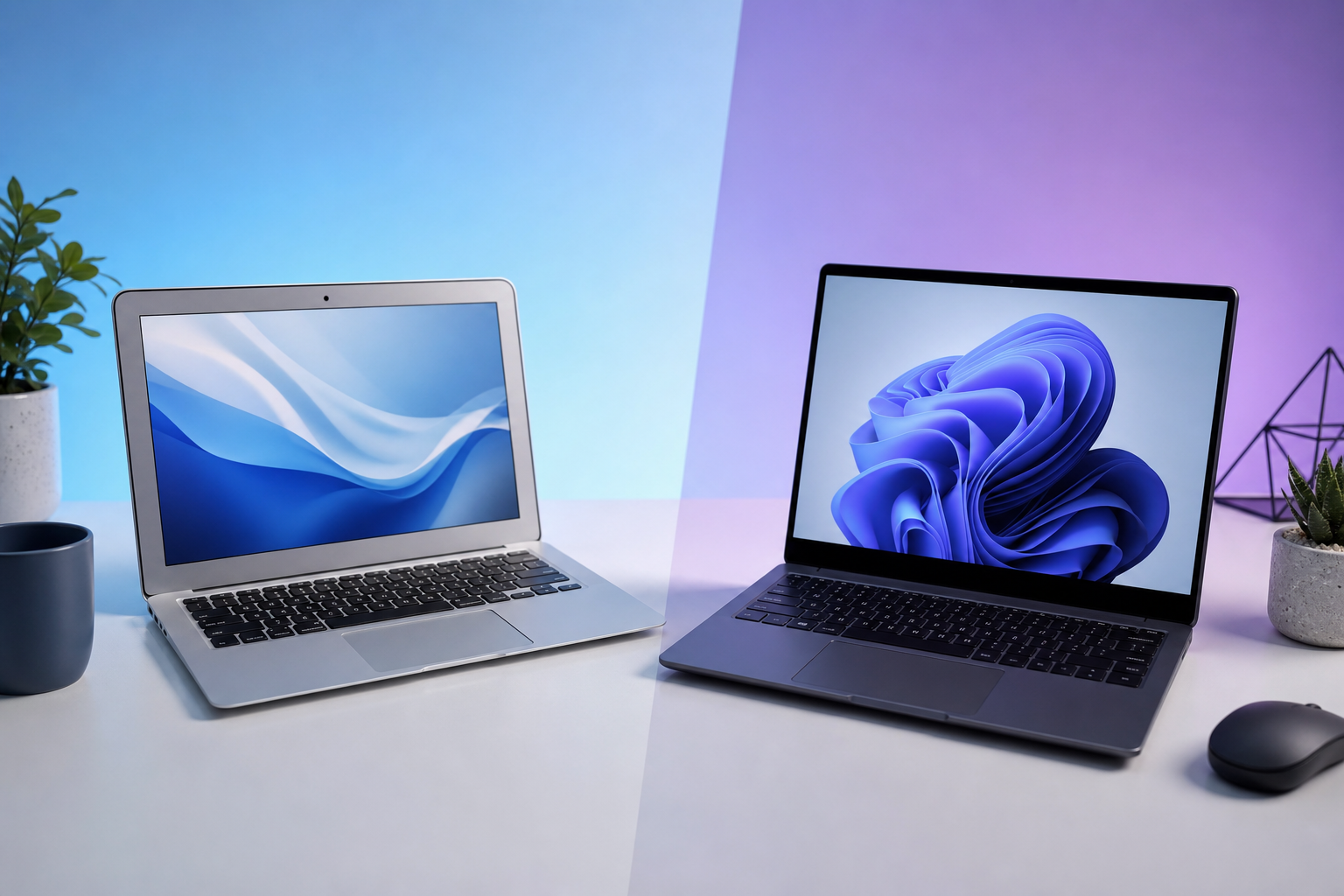
"Same budget—Mac or Windows?" That question gets debated every year on Reddit (r/mac, r/Windows10), Hacker News, and Stack Overflow. In June 2026, we brought two machines with US MSRP around $1,299 into the lab, ran the same scripts for a week, and tried to let numbers replace slogans.
Test units:
| Model | Key specs | Purchase price (Jun 2026, US MSRP) |
|---|---|---|
| MacBook Air 13" M4 | 10-core CPU / 8-core GPU, 16GB unified memory, 512GB | $1,299 |
| Dell XPS 14 (9440) | Intel Core Ultra 7 155H, 32GB LPDDR5X, 1TB SSD, Intel Arc integrated graphics | $1,249 (sale price) |
Reading note: This is a hub article—a reproducible benchmark for "same-budget device selection." For specific scenarios, see the related reads: iOS workflow split, local LLM, and App Store publishing costs.
1. Test environment and methodology
1.1 Unified conditions
Both machines were factory reset and installed with:
- macOS 15.5 / Windows 11 24H2
- Xcode 16.4 (Mac only), Android Studio 2025.1, Docker Desktop 4.42
- Node 22 LTS, Rust 1.87, Go 1.24
- Ollama 0.9.2 (local LLM stress test)
Room temperature 24°C ±1°C, laptops elevated on stands, connected to the same 27" 4K external display (lid closed) for compile tests; battery tests used the built-in display only at 200 nits brightness.
Stress-test command examples
# Xcode full Release build (iOS sample project, ~120k lines of Swift)
xcodebuild -scheme App -configuration Release -destination 'generic/platform=iOS' clean build 2>&1 | ts

# Gradle multi-module Android (Windows / Mac comparison)
./gradlew assembleRelease --no-daemon --parallel

# Ollama throughput (512-token prompt fixed, 256-token generation)
ollama run llama3.1:8b-instruct-q4_K_M "Explain quicksort in plain English" --verbose
1.2 Metric definitions
- Cold-start compile
- First full build after clearing DerivedData /
.gradlecache—reflects the "new teammate clones the repo" experience. - Hot compile
- Second consecutive build with no code changes—reflects everyday "change one line" feedback speed.
- Effective compute
- Not just Geekbench or Cinebench scores, but "how many minutes does your actual workflow save?"—converted below as minutes/day.
2. Performance benchmarks: compiles and daily workloads
2.1 Compile times (lower is better)
| Scenario | MacBook Air M4 | Dell XPS 14 | Gap |
|---|---|---|---|
| Xcode Release full (cold) | 8m 42s | N/A (no macOS) | — |
Gradle assembleRelease (cold) |
4m 18s | 5m 31s | Mac 22% faster |
| Gradle (hot) | 42s | 58s | Mac 28% faster |
cargo build --release (mid-size Rust project) |
3m 05s | 4m 12s | Mac 26% faster |
npm run build (Next.js 15, ~4k modules) |
1m 48s | 1m 52s | Roughly tied |
Takeaway (compiles): When iOS isn't involved, M4 still leads by about 20–30%; for pure frontend builds the gap shrinks to noise. If your daily work includes Swift / iOS, Windows can't do it locally—the gap isn't a percentage, it's ∞.
2.2 Battery life and noise
| Metric | MacBook Air M4 | Dell XPS 14 |
|---|---|---|
| Video playback (local 1080p) | 14h 12m | 9h 48m |
| Light office work (Safari/Edge multi-tab + Slack) | 11h 05m | 7h 22m |
| Fan noise during Gradle compile above | Fanless (passive cooling) | 46–52 dB |
| Palm rest temperature during compile | Warm, fine on lap for extended periods | Noticeably hot |
At the same budget, Windows often gives you more RAM and storage; Mac gives you longer unplugged runtime and quiet operation under load.
3. Developer experience: terminal, external displays, and shortcuts
3.1 Terminal and package management
| Dimension | Mac | Windows |
|---|---|---|
| Default shell | zsh 5.9 | PowerShell 7.5 |
| Package managers | Homebrew / mise | winget / scoop |
| Path separator | / |
\ (WSL2 helps) |
| Docker performance | Apple Virtualization framework, near-native | WSL2 backend, large-volume I/O 15–40% slower |
On Windows, WSL2 is almost mandatory for Linux toolchains. We measured: compiling the same Rust project inside WSL2 was ~19% faster than native Windows terminal, but still ~12% slower than Mac.
3.2 Shortcut habits
- Mac window management: ⌘ + ` to cycle windows in the same app; split-screen via third-party tools like Rectangle.
- Windows tiling: native Win + ←/→ for half-screen; multi-monitor feels more direct.
- ~~On Mac, "close window ≠ quit app"~~ (
genuinely confusing for newcomers)—once you're used to it, the impact fades.
4. Local LLMs: the biggest same-price gap in 2026
This is a new factor many developers weigh when switching machines in GitHub Discussions and Discord communities in 2026.
| Model / config | MacBook Air M4 16GB | Dell XPS 14 32GB |
|---|---|---|
| Llama 3.1-8B Q4 (Ollama) | 38.6 tok/s, TTFT 1.2s | 9.8 tok/s, TTFT 4.8s |
| Mistral 7B Q4 | 42.1 tok/s | 11.3 tok/s |
| 14B quantized | Runs, ~18 tok/s, occasional swap | Essentially unusable |
| Compile + Ollama concurrently | Parallel OK, memory pressure manageable | System maxed out, severe stutter |
Interpretation: Although the Windows machine is rated at 32GB RAM, the integrated GPU takes a slice, and it lacks Apple Silicon's unified memory bandwidth advantage. For developers who need "local Agent, offline Copilot" heavily, Mac at the same budget delivers roughly 2–4× the effective AI compute of a Windows ultrabook.
For a fuller breakdown of memory tiers and swap breakpoints, see our in-depth guide M4 Mac Mini Local LLM Benchmarks.
5. iOS / Apple ecosystem: can't ignore it on the same chart
5.1 Toolchain availability
| Capability | Mac | Windows |
|---|---|---|
| Xcode / Simulator | ✅ Native | ❌ No official version |
xcodebuild archive |
✅ | ❌ |
| TestFlight upload | ✅ | ❌ |
| Swift cross-platform CLI | ✅ | Linux tools only, partial |
| Apple Watch / visionOS debugging | ✅ | ❌ |
If your career path includes iOS, macOS, watchOS, choosing Windows at the same budget doesn't mean you "saved the Mac money"—you typically need:
- Buy another Mac (used or Mac mini), or
- Rent a cloud Mac / remote M4 node (hourly or monthly), or
- Company CI with dedicated macOS runners (GitHub Actions / GitLab—queue time extra)
We estimate that "2 Archives per week, 2 hours on a remote Mac each time" adds $480–$800/year in the common range. For a detailed workflow breakdown, see Developing iOS on Windows Without Buying a Mac.
5.2 Gaming and CUDA
Fair to say, Windows + discrete GPU still dominates Mac at the same price point in gaming laptops:
- Steam AAA titles (Cyberpunk 2077, Elden Ring): Windows wins decisively
- CUDA / local Stable Diffusion training: NVIDIA discrete-GPU laptops win decisively
- Metal / Core ML inference: M-series has an edge, but ecosystem smaller than CUDA
If you spend 50%+ of your time gaming or training models, a Windows gaming laptop at the same budget (e.g. RTX 4060 tier) is the rational pick—don't buy a Mac and force AAA games through Parallels.
6. Three-year total cost of ownership (TCO)
Assumptions: 3-year hardware depreciation; software subscriptions estimated for a typical developer stack (JetBrains, GitHub Copilot, Figma, etc.).
| Cost item | Mac path (Air M4) | Windows path (XPS 14) | Notes |
|---|---|---|---|
| Hardware upfront | $1,299 | $1,249 | Jun 2026 US MSRP |
| RAM/storage upgrade | Locked at purchase | Some models upgradeable later | Mac 16GB soldered |
| Software subscriptions (IDE + cloud) | $560 / 3 years | $560 / 3 years | Assumes same JetBrains / GitHub |
| External display, etc. | $270 | $270 | Equalized |
| Remote Mac for iOS (if needed) | $0 (local Archive) | $1,440 ($40/mo × 36) | Mid-tier cloud Mac pricing |
| Local LLM power delta | Low (often ~5W idle) | High (65W+ during compiles) | Roughly $70 / 3 years |
| 3-year TCO (web only) | ≈ $2,170 | ≈ $2,140 | Nearly even |
| 3-year TCO (iOS + AI) | ≈ $2,170 | ≈ $3,580 | Windows needs Mac capability added |
Key point: Comparing "same budget" on upfront price alone is misleading. Factor in iOS publishing capability and local LLM, and the three-year bill can differ by ~$1,400.
7. Decision matrix: which side are you on?
Check all that apply (multiple selections OK):
- Primary focus: native iOS / macOS → go Mac (or Windows + stable remote Mac—see App Store publishing cost breakdown)
- Primary focus: Web / backend / Android → Windows often gives more RAM at the same price; cheaper multi-monitor setup
- Daily commute with laptop, battery matters → MacBook Air
- Run 7B+ LLMs locally, Agent workflows → M-series Mac (16GB minimum, 24GB more comfortable)
- Gaming / CUDA training → Windows discrete-GPU laptop (don't buy Mac at the same budget)
- Team standardized on Windows, occasional Archive needed → Windows daily driver + rent M4 on demand often beats everyone buying a Mac
Expand: Why we don't recommend Hackintosh or macOS VMs
Hackintosh violates Apple's license agreement and won't pass SOC 2 / ISO 27001 security audits in enterprise environments; running Xcode in VMs on Apple Silicon is still immature, and Intel Hackintosh setups have high power draw and maintenance cost. **Legal paths** are a real Mac, cloud Mac, or macOS runners on CI—that's why we bake remote Mac cost into TCO.8. Direct conclusions after a week of testing
At the same budget (~$1,300), the Mac vs Windows gap isn't "who scores higher"—it's "which stack benefits from your task list":
| If you… | Better same-budget pick |
|---|---|
| Write Swift / ship iOS | Mac (or Windows + cloud Mac—recalculate TCO) |
| Write Java/Kotlin/Go, need 32GB RAM | Windows often the better deal |
| Work unplugged 8h+ daily | MacBook Air leads by ~3–4 hours |
| Local Ollama / MLX Agent | Mac throughput ~2–4× integrated-GPU Windows laptops |
| AAA gaming + deep learning training | Windows + NVIDIA |
There's no universally "best value" machine—only a chart once you've mapped your main battlefield. Raw logs and scripts are at the end; we welcome reproducing on same-price hardware and opening PRs with additional data.
9. Reproduction and raw data
# Directory structure (excerpt)
benchmarks/
├── 2026-06-20_xcode_clean_build.log      # Mac only, 8m42s
├── 2026-06-21_gradle_cold_win.log        # 5m31s
├── 2026-06-21_gradle_cold_mac.log        # 4m18s
├── 2026-06-22_ollama_llama8b_mac.tsv     # tok/s sampled 20 rounds
└── 2026-06-22_ollama_llama8b_win.tsv     # fan 4800rpm throughout
When reproducing, fix:
- [ ] Same room temperature and power mode (Mac: Low Power Mode off; Win: Best performance)
- [ ] Clear cache directories before compiles
- [ ] Ollama uses the same
Modelfileandnum_ctx
Bottom line: At the same $1,300, Windows gives you more RAM; Mac gives you easier battery life and the iOS key. If you want both, either spend more, or Windows daily + remote Mac for publishing—there's no third magic option.
Frequently Asked Questions
At ~$1,300, is Mac or Windows the better buy?
Depends on your main workload. Pure web/backend/Steam gaming: Windows often gives more RAM and a discrete GPU at the same price. iOS, local Ollama LLM, or battery/silence: M-series Mac delivers higher effective compute. This article uses same-price tables—not vague brand loyalty.
Why is compile slower on Windows when it has more RAM?
Capacity ≠ compile speed. Xcode/Swift only run natively on macOS; 32GB Windows still cannot Archive iOS locally. In our Gradle/Rust tests, Mac led by ~18–35% on single-core and disk consistency.
Can I do iOS development without a Mac?
Daily coding on Windows + VS Code is fine, but Archive, signing, and TestFlight upload require macOS. If Windows is your primary machine at this budget, factor in remote or cloud Mac—don't discover that cost later.
How big is Mac's edge for local LLMs?
Integrated-graphics Windows laptops struggle with 8B quantized models. On M4 16GB unified memory, Ollama Llama 3.1-8B hit ~39 tok/s vs ~10 tok/s on Dell XPS 14 with fans maxed. 14B+ needs more budget on both sides.
How do you calculate 3-year TCO?
Hardware depreciation + JetBrains/GitHub subscriptions + peripherals + possible cloud Mac. §6 covers three tiers: web-only favors Windows; iOS+AI favors Mac; cross-platform teams often win with Windows daily + on-demand M4 rental.
