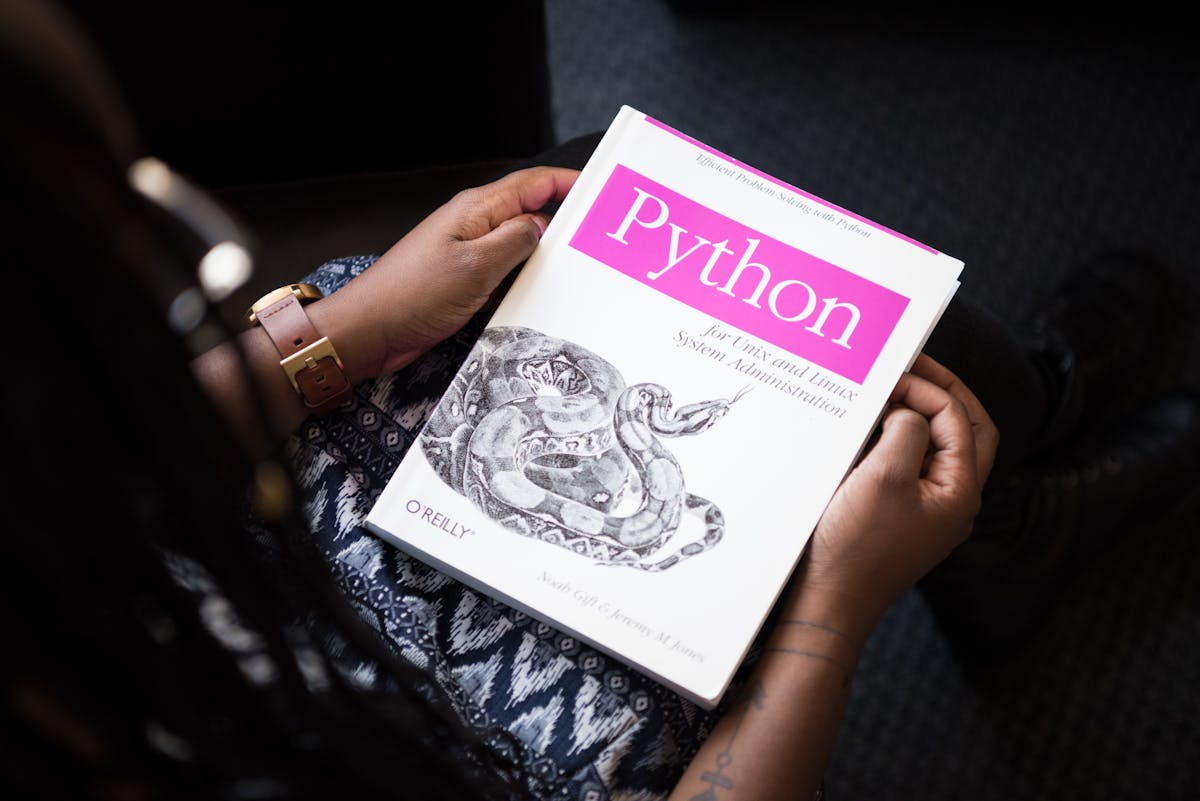
Une fatigue familière sur les forums : MacBook maxé acheté, mois plus tard macOS ne semble toujours pas « prêt à l'emploi » — permissions imbriquées, fenêtres multi-écrans, Finder. Windows 11 sur PC haut de gamme peut aussi planter. La vraie question : avez-vous besoin de macOS comme bureau trois écrans au quotidien ? Pour beaucoup : seulement pour la chaîne Apple et les builds.
Windows, Linux ou Framework en poste principal ; Xcode, signature et CI sur un Mac mini distant dédié — petit îlot de build en datacenter via SSH/VNC.
1. Deux besoins distincts — ne pas les mélanger
Écosystème macOS requis : Xcode, xcodebuild, TestFlight, notarisation, artefacts RN/Expo iOS, runners auto-hébergés, outils fabricants macOS only. macOS comme bureau quotidien : snap fenêtres, Dock, raccourcis fichiers, captures — le premier est difficile à éviter ; le second ne vaut souvent pas le coût.
Plein écran, Cmd+X qui ne coupe pas les fichiers, quatre reboots pour CH340 — expérience bureau, pas raison d'acheter un second portable pour pod install. Voir le Guide React Native / Expo Mac distant.
2. Poste principal + Mac distant : qui fait quoi
| Scénario | Poste principal (Windows/Linux) | Remote Mac mini |
|---|---|---|
| Daily coding | IDE, debug, version control | Not involved |
| iOS build / release | Trigger pipeline | pod / Archive / upload |
| 7×24 CI | Laptop can sleep | Runner always on |
| TCC / drivers / Keychain | Stays clean | Configured once |
3. Pourquoi un Mac mini physique dédié
VM partagées ou cloud à la minute pour tâches sporadiques. CI entreprise, certificats et DerivedData exigent un M4 physique dédié.
Macstripe : 1 Gbps et IP dédiée, cinq régions, ~5 min de provisionnement, location jour/semaine/mois/trimestre, SSH + VNC. FAQ runners GitHub Actions auto-hébergés ; Guide Mac distant TestFlight.
4. Trois scénarios courants
- Windows principal + iOS annexe : JS local ;
eas buildou workflow auto-hébergé sur Mac distant. - Matériel + firmware : oscilloscope sur poste principal ; outils macOS fabricant sur remote.
- MacBook mais pas build 7×24 : portable pour l'humain ; CI en datacenter.
RAM ou 1 To / 2 To en semaine de release — page tarifs. Première fois : configurer la commande ; SSH/VNC : centre d'aide.
5. FAQ
- Do I need a MacBook for iOS? No. WSL and containers cannot run Xcode. SSH or VNC to a dedicated remote Mac and route
pod install,xcodebuild, signing, and upload to that node. - Remote Mac vs buying my own Mac mini? Buying fits fixed 7×24 ops you are willing to maintain. Leasing fits elastic peaks, multi-region nodes, and teams that will not make macOS their daily desktop — often live in ~5 minutes.
- Do I configure TCC on the laptop? No. Drivers, accessibility, screen recording, and CI Keychains live on the remote Mac; use VNC only for first authorization, then headless SSH.
- Only 20% Xcode time — is a maxed MacBook worth it? If desktop friction drove the purchase but builds drove the price, ROI is often weak; remote nodes bill closer to real usage.
- Daily or monthly? Daily to test latency; monthly for stable runners; downgrade after a sprint instead of paying peak spec all year.
- How do APAC teams pick a region? Measure SSH RTT from the office, not a map. Mainland / Southeast Asia often favors Singapore, Tokyo, or Hong Kong over US West — details in the help center.
Laisser macOS à sa place
Sommeil, autonomie et compile ARM de macOS méritent respect — sans imposer macOS comme bureau entier. Mac mini M4 dédié Macstripe pour pipeline Apple et CI. Accueil Macstripe, essai journalier.
